Frequently Asked Questions
CP Mobile - Mobile Point of Sale Anywhere
Mobile POS App integrated with NCR Counterpoint SQL POS FAQ's
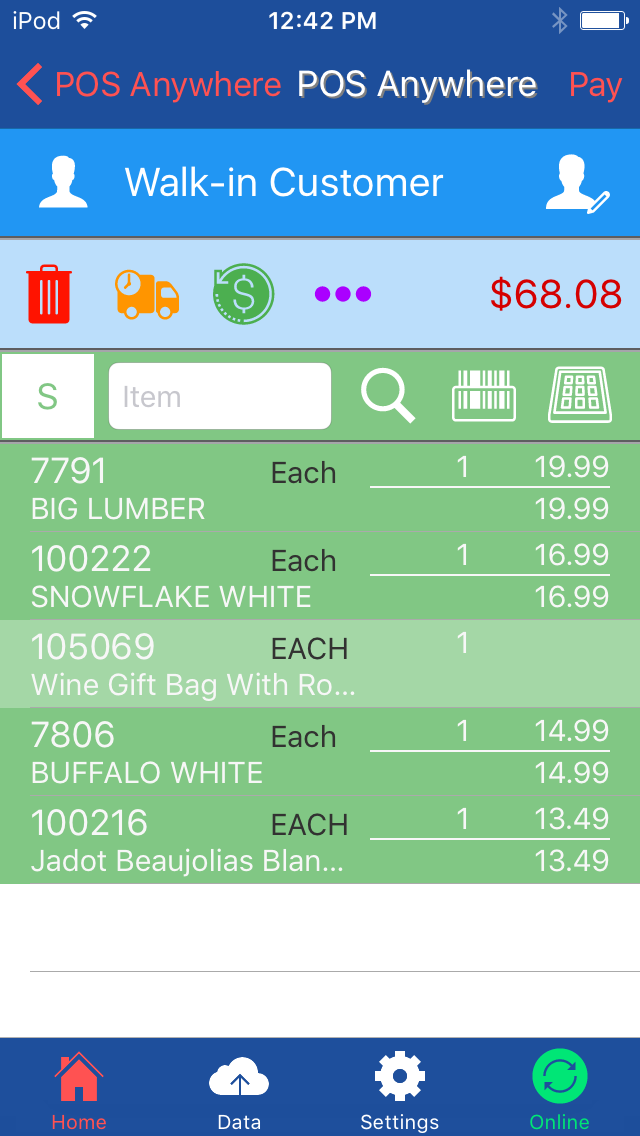
Counterpoint Mobile POS
Lookup customer information
Modify information for existing customers
Add new customers
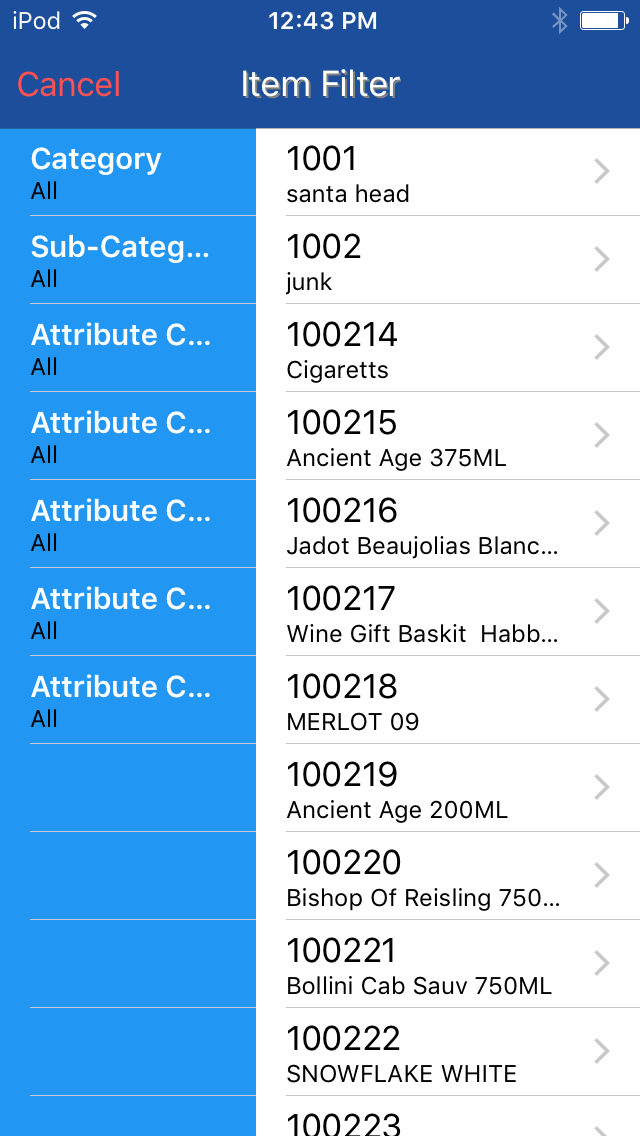
Item Details - Long Description, Attributes, Profiles
Real Time Inventory Quantity
Orders / Delivery / Ship-To
Invoice Printing to Laser Printer
Holds - Cash Out at Register
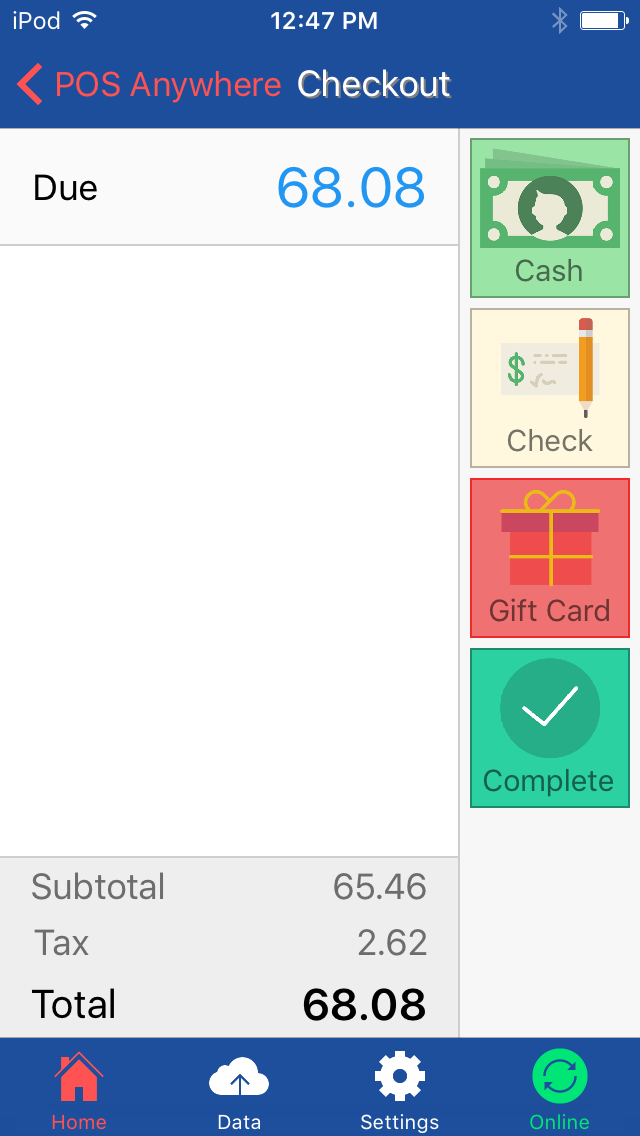
Credit Card Processing using Authorize.Net
Linea Pro Sled and Infinia Tab Supported Barcode
Scanning and CC Swipe
Offline Ticket Entry
Will email receipts when connected to the server/online
Fast Mode – Scan Each Item
Normal Mode – Quantity Entry
Alternate Unit Support
Grid / Cell Support
Linea Pro Sled and Infinia Tab Scanner Supported
New Barcode Collection / Associate to Item
Alternate Unit Support
Grid / Cell Support
Print item labels to network attached label printer
Create your own batch label jobs
Print individual item labels
Scan items in and out
Adjust Inventory up or down
Pick Verifying and Packing orders
Scan a picking slip to pull up the order
Scan items as you go to verify for shipment
Add tracking numbers to orders
CP Mobile - Anywhere
No, POSA does not require internet access. It can be used
either offline or online.
Mobile Point of Sale Anywhere is a part of NCR
Counterpoint’s SQL inventory management and POS system. It
integrates directly to the database and will always stay up
to date.
Yes, the Point of Sale Anywhere App can take 1-1000+ stores
of inventory. There is no actual limitation outside of more
database size. Simply start with and only pay for what you
need now and add more as you and your business grows.
Yes, backed by expert support agents, Computer SOS Inc.
hosts the Mobile Point of Sale Anywhere App support team.